Monitoring Airtable's status and subscribing to updates
Last updated: October 5, 2026
Plan availability | All plan types |
Permissions | No permissions required—the Airtable status page is public and available to anyone, including non-collaborators. |
Platform(s) | Web or mobile browser |
Related reading |
|
Airtable status page overview
Airtable's status page gives you real-time and historical data on the health of Airtable's services. Use it to check whether a problem you're experiencing is a known, ongoing incident before contacting Airtable Support.
To check current system status:
Open the Airtable status page in a new tab.
Review the top-level indicator for overall system status and the individual component list below it for service-specific status.
Click any listed incident to see updates and the incident timeline.
The status page also includes a historical view so you can see past incidents and how long they lasted.
Subscribing to status updates
You can subscribe to be notified whenever Airtable posts a new incident, update, or resolution.
Open the Airtable status page in a new tab.
Click Subscribe to updates.
Choose your preferred notification method: email, SMS, or Slack, and follow the prompts to confirm your subscription. Customers who use X can also follow
@airtablestatuson that platform.
Unsubscribing to status updates
Via Email - Every incident or update email contains a unique personalized Unsubscribe link in the footer.
After initially signing up for status updates with your email address you should recieve an initial confirmation email from
noreply@statuspage.io. Below the Confirm subscription button, you can click Unsubscribe.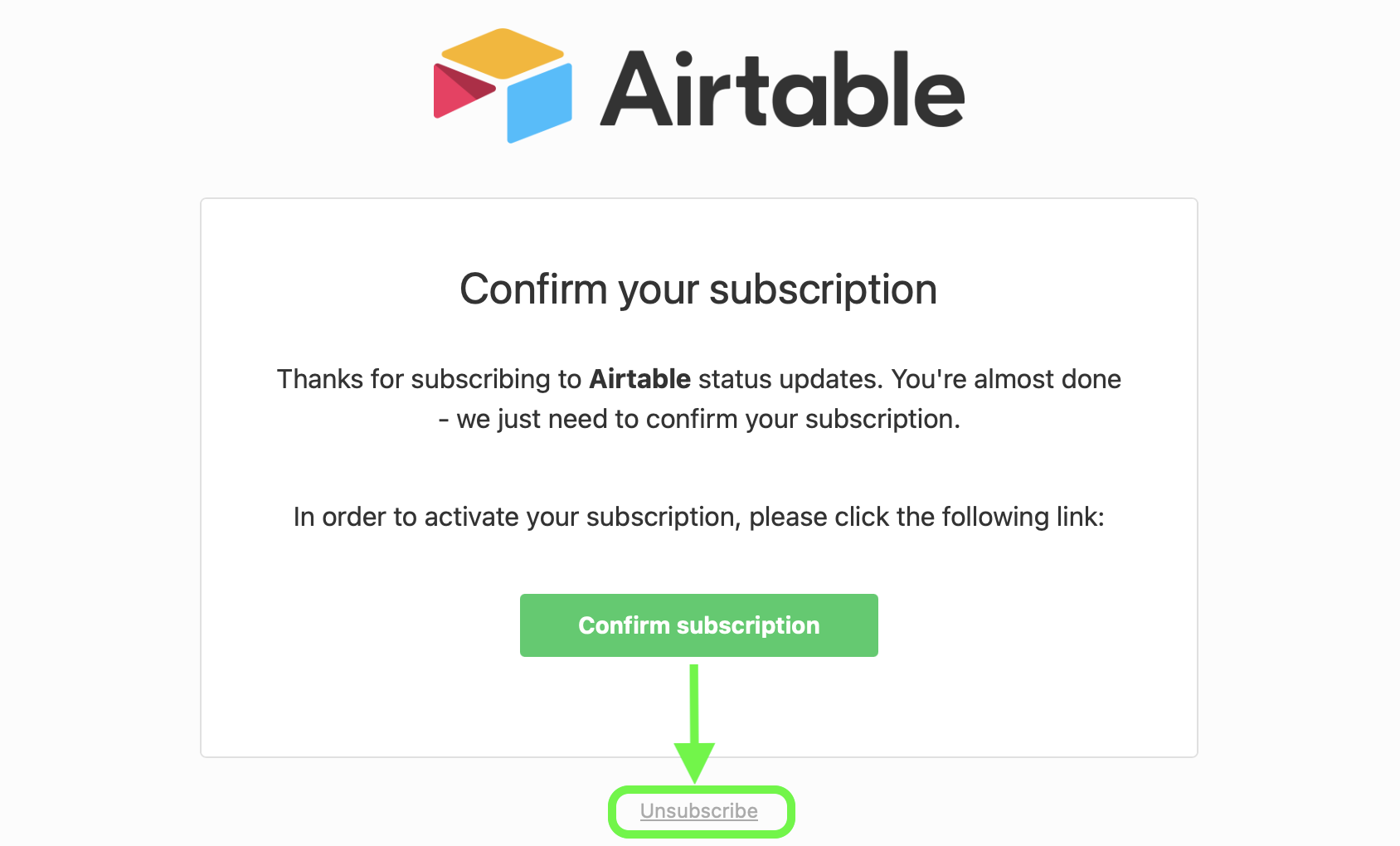
Via SMS - Users can reply STOP to any text alert, or click the individual management link provided in the text message.
Building resilience against outages
While Airtable outages are infrequent, we recommend the following practices so your team can keep working if a service disruption occurs:
Subscribe to the status page (as described above) so you're notified immediately when an incident starts.
Keep a periodic export or backup of critical bases so your data isn't solely dependent on real-time access.
Familiarize yourself with Airtable’s native snapshot feature.
See our Airtable Web API documentation for information about endpoints that you can call to export data.
Build redundancy into time-sensitive automations by using retry logic or delay steps where possible.
FAQs
Does the status page require an Airtable account?
No, you can view the status page and subscribe to updates without signing in to Airtable.